Installation Guide – SQL Server LocalDB 2012
🗄️ Installation Guide – SQL Server LocalDB 2012
This article explains the step-by-step process to install SQL Server LocalDB 2012 on a Windows system. Please follow the steps carefully to ensure a successful installation.
📥 Step 1: Download SQL Server LocalDB
Click on the link below to download SQL Server LocalDB 2012 (64-bit):
🔗 Download SQL Server LocalDB 2012
⚙️ Step 2: Run the Setup File
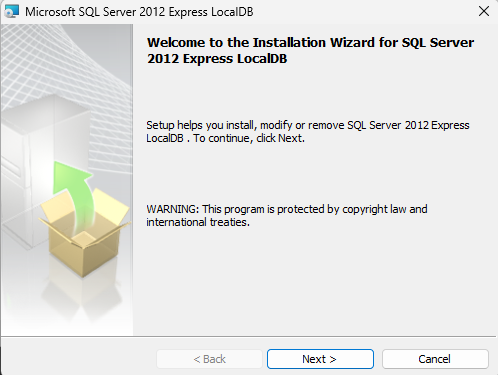
Locate the downloaded file SQLLOCALDB.msi and double-click on it to start the installation process.
 ✅ Step 3: Accept Terms & Conditions
Click on Next and accept the Terms & Conditions to proceed with the installation.
🏁 Step 4: Complete the Installation
Click on Finish once the installation is completed successfully.
✔️ Note: After installation, SQL Server LocalDB runs automatically in the background and does not require any manual configuration.